



On this page
Quickstart
From a new organization to your first verified identity in the test environment: create the organization, invite your team, create an application, get keys and validate a test identity by RDCPASS ID.
1. Create your organization
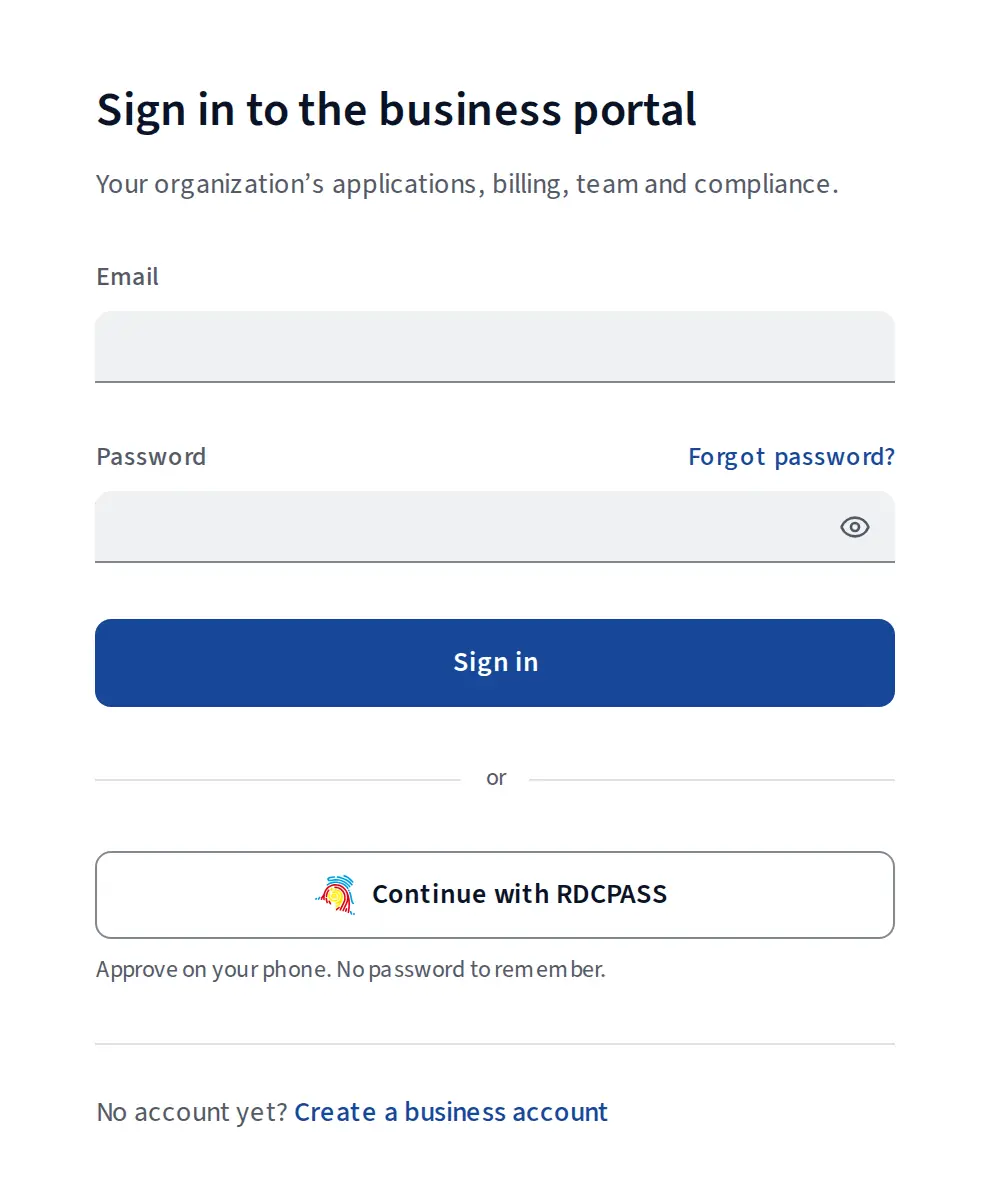
Sign up at the RDCPASS console with a work email address and two-factor authentication, or with Login with RDCPASS, approved in the RDCPASS app. Then create your organization: your company’s legal name and RCCM. You become its Owner.
2. Invite your team
Under Settings → Team, invite colleagues by email and give each the roles they need — typically Developer for engineers, Financial officer for billing and Compliance officer for due diligence. Everyone signs in with their own account. See Teams & roles.
3. Create a test application
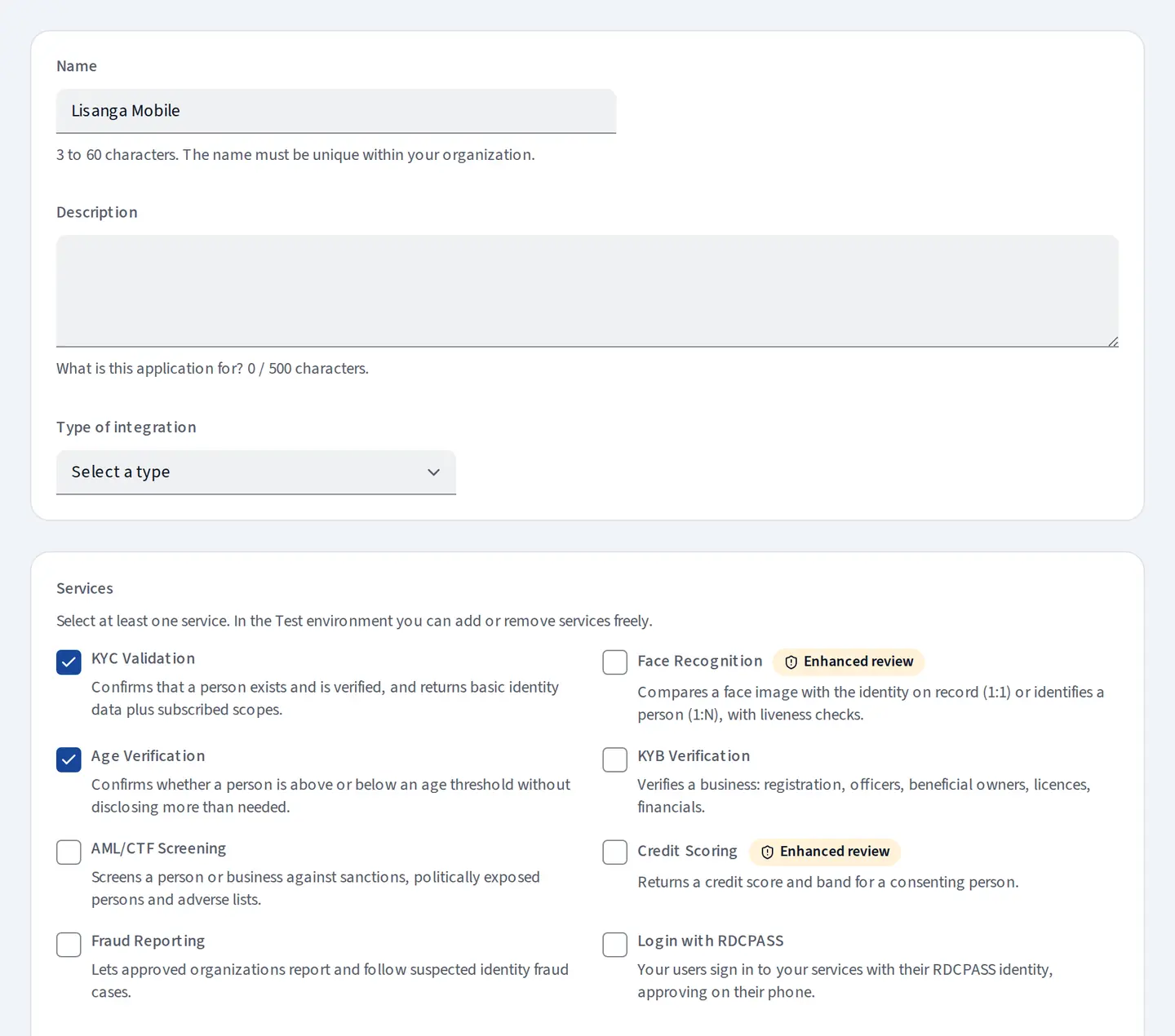
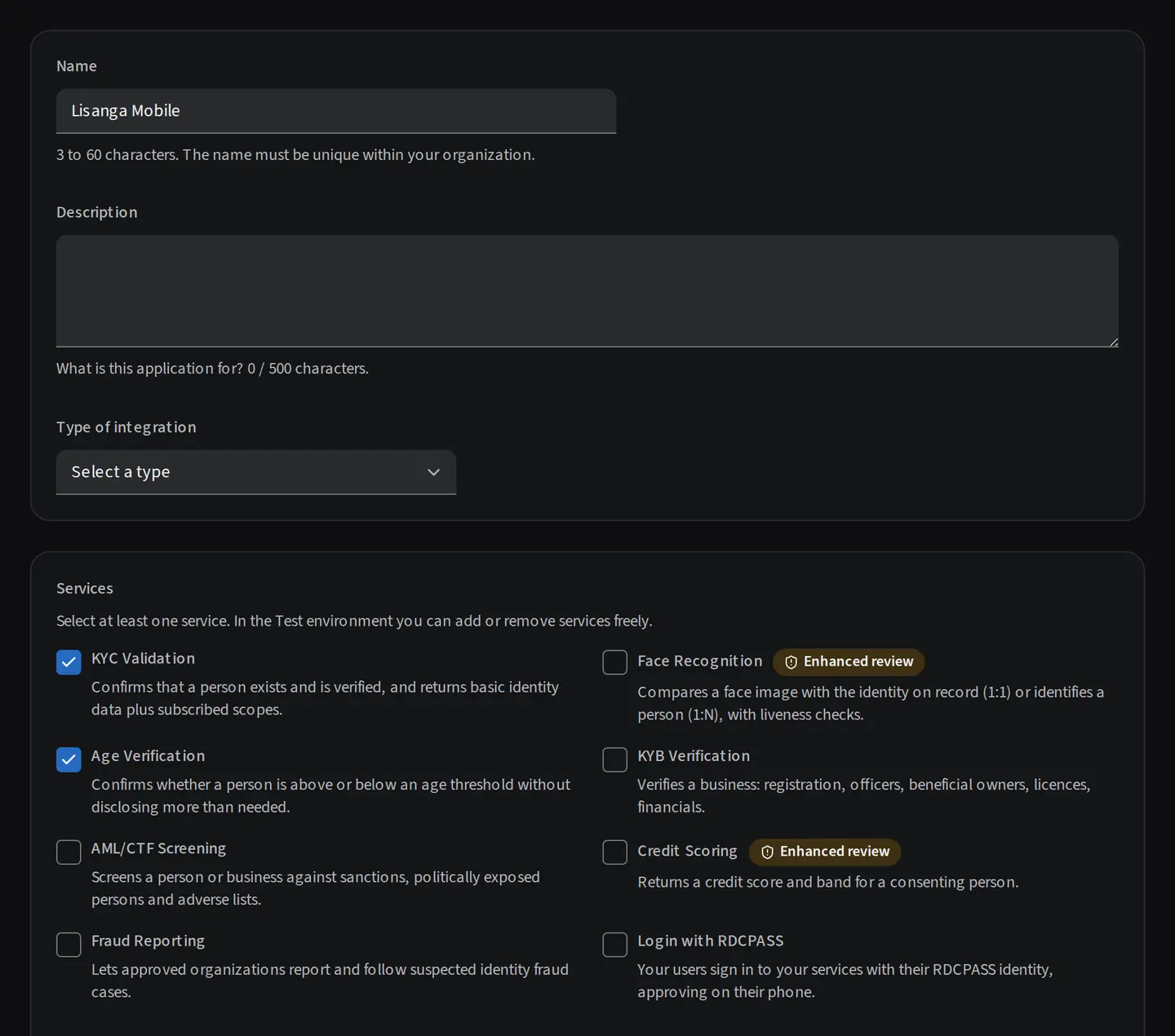
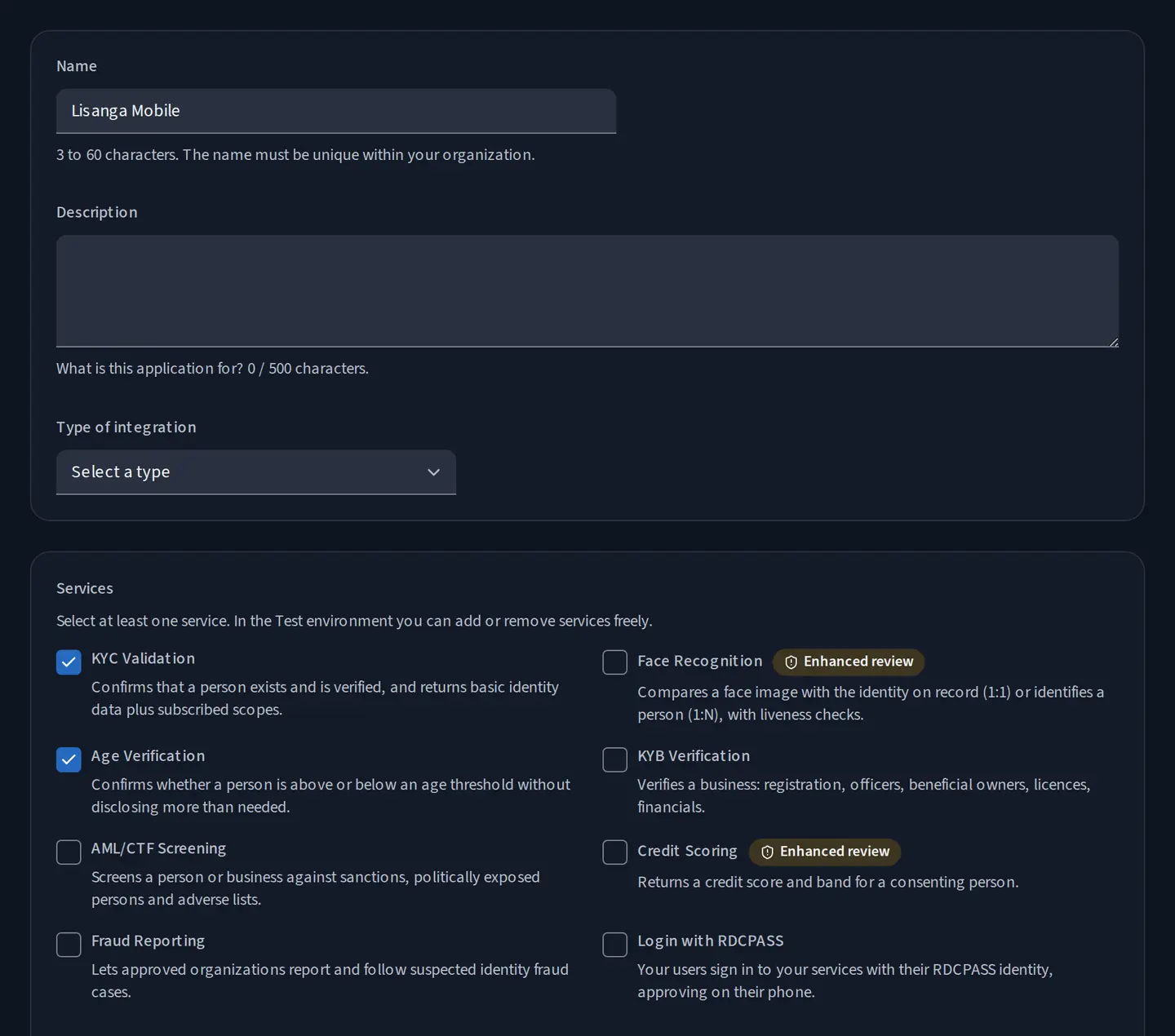
Under Applications → New application, name the application, then choose:
- Services — for this quickstart, enable KYC Validation. All eight services are free in test.
- Scopes — add
kyc.phone_numbers. Basic KYC is always included. - Purposes — declare
customer_onboarding. - Webhook URL — optional for now; you need it for asynchronous requests.
Every field is explained in Applications.
4. Copy your test keys
Creating the application issues its test credentials immediately:
| Credential | Used for |
|---|---|
Key ID (key_test_…) | Sent as X-RDCPASS-Key-Id on every request. An identifier, not a secret. |
| signing secret | HMAC-SHA256 signature of every request (X-RDCPASS-Signature). |
| encryption key | AES-256-GCM encryption of request bodies and decryption of responses. |
# Test set: key ID, signing secret, encryption key
RDCPASS_KEY_ID=key_test_…
RDCPASS_SIGNING_SECRET=sk_test_…
RDCPASS_ENCRYPTION_KEY=ek_test_…
The signing secret and encryption key are shown once
5. Validate a test identity
Call KYC Validation in the test environment with the test identity COD-0000-0000-0001, a certified account holding every scope. Sign and encrypt the body as described in Authentication:
cURL
# Plaintext body shown — encrypt it per /docs/authentication before sending.
curl https://sandbox.rdcpass.cd/v1/kyc/validations \
  -X POST \
  -H "X-RDCPASS-Key-Id: key_test_3c7e1a9f42" \
  -H "X-RDCPASS-Timestamp: 1790417700" \
  -H "X-RDCPASS-Nonce: 5f3e2a1b-8c9d-4e6f-a1b2-3c4d5e6f7a8b" \
  -H "X-RDCPASS-Signature: 8e1b4d...a07c" \
  -H "Content-Type: application/json" \
  -d '{
    "reference": "quickstart-001",
    "identifier": { "type": "rdcpass_id", "value": "COD-0000-0000-0001" },
    "match": { "full_name": "Kabeya Mwamba Tshisekedi", "date_of_birth": "1988-04-12" },
    "purpose": "customer_onboarding",
    "scopes": ["kyc.phone_numbers"]
  }'
Node.js
// Plaintext body shown — encrypt it per /docs/authentication before sending.
const res = await fetch('https://sandbox.rdcpass.cd/v1/kyc/validations', {
  method: 'POST',
  headers: {
    'X-RDCPASS-Key-Id': 'key_test_3c7e1a9f42',
    'X-RDCPASS-Timestamp': '1790417700',
    'X-RDCPASS-Nonce': '5f3e2a1b-8c9d-4e6f-a1b2-3c4d5e6f7a8b',
    'X-RDCPASS-Signature': '8e1b4d...a07c',
    'Content-Type': 'application/json',
  },
  body: JSON.stringify({
    reference: 'quickstart-001',
    identifier: { type: 'rdcpass_id', value: 'COD-0000-0000-0001' },
    match: { full_name: 'Kabeya Mwamba Tshisekedi', date_of_birth: '1988-04-12' },
    purpose: 'customer_onboarding',
    scopes: ['kyc.phone_numbers'],
  }),
})

const validation = await res.json()
console.log(validation.result) // "verified"
Python
import requests

# Plaintext body shown — encrypt it per /docs/authentication before sending.
res = requests.post(
    "https://sandbox.rdcpass.cd/v1/kyc/validations",
    headers={
        "X-RDCPASS-Key-Id": "key_test_3c7e1a9f42",
        "X-RDCPASS-Timestamp": "1790417700",
        "X-RDCPASS-Nonce": "5f3e2a1b-8c9d-4e6f-a1b2-3c4d5e6f7a8b",
        "X-RDCPASS-Signature": "8e1b4d...a07c",
    },
    json={
        "reference": "quickstart-001",
        "identifier": {"type": "rdcpass_id", "value": "COD-0000-0000-0001"},
        "match": {"full_name": "Kabeya Mwamba Tshisekedi", "date_of_birth": "1988-04-12"},
        "purpose": "customer_onboarding",
        "scopes": ["kyc.phone_numbers"],
    },
    timeout=30,
)
validation = res.json()
print(validation["result"]) # verified{
"id": "kyc_0f3a9c2e71",
"object": "kyc_validation",
"livemode": false,
"reference": "quickstart-001",
"status": "completed",
"result": "verified",
"certified_account": true,
"identifier": { "type": "rdcpass_id", "value": "COD-0000-0000-0001" },
"match": { "full_name": "match", "date_of_birth": "match", "age": "not_provided", "score": 0.99 },
"account": {
"rdcpass_id": "COD-0000-0000-0001",
"status": "active",
"certified": true,
"created_at": "2025-01-06T08:00:00Z",
"level_of_assurance": "LOA3"
},
"kyc": {
"basic": {
"full_name": "Kabeya Mwamba Tshisekedi",
"first_name": "Kabeya",
"last_name": "Tshisekedi",
"date_of_birth": "1988-04-12",
"age": 38,
"gender": "male",
"nationality": "COD"
},
"phone_numbers": [
{ "number": "+243810000001", "operator": "Vodacom", "is_primary": true, "verified": true }
]
},
"scopes_applied": ["kyc.basic", "kyc.phone_numbers"],
"scopes_withheld": [],
"purpose": "customer_onboarding",
"created_at": "2026-09-27T09:30:12Z"
}Contract to be confirmed by the API team.
6. Handle the result
Branch on result. The other test identities let you exercise each branch — COD-0000-0000-0002 returns not_certified and COD-0000-0000-0404 returns not_found. See Test & production environments for the full list.
switch (validation.result) {
  case 'verified':
    // Certified RDCPASS identity: use validation.kyc.basic and the scopes
    // listed in validation.scopes_applied. Check validation.match too.
    break
  case 'not_certified':
    // Account exists but is not yet certified: only validation.account is
    // returned. Ask the customer to complete certification in RDCPASS.
    break
  case 'not_found':
    // No certified account for this identifier: no identity data returned.
    break
}
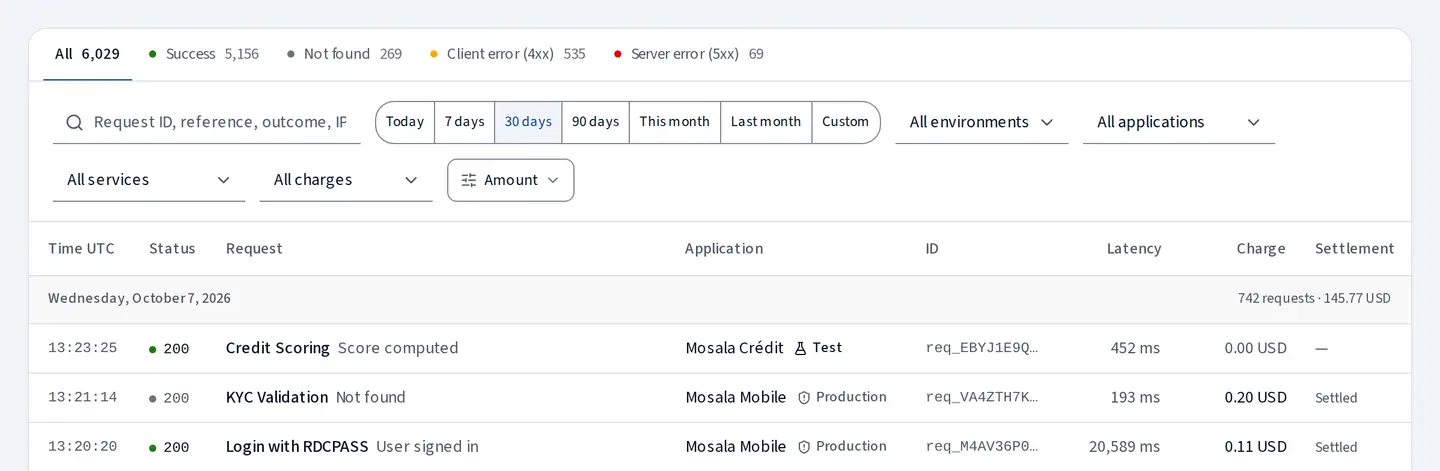
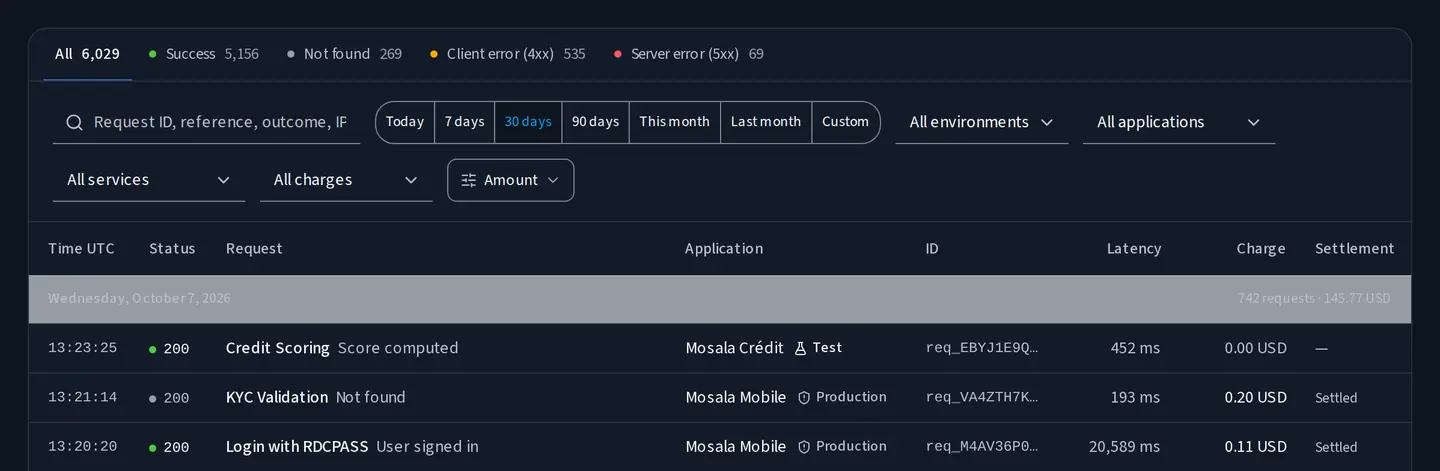
Each test call is counted against your application’s test quota and appears in the application’s request logs. See Rate limits & quotas.
Next steps
- Batch & asynchronous requests
Verify up to 10,000 people in one asynchronous batch.
- API reference
All eight services, common fields and the response envelope.
- KYC scopes & subscriptions
What each additional scope returns.
- Going to production
Submit your due-diligence dossiers and get production keys.