



On this page
Rate limits & quotas
Two independent mechanisms are checked on every request — a rate limit guarding against bursts, and a per-service quota metering your allowance. Both reject with a 429, but they mean different things and return different response shapes. Billing limits are separate and return 402.
1. Rate limit — burst guard
A uniform, per-application ceiling on how fast requests can arrive, identical in test and production. It absorbs short bursts and stops abusive traffic; it does not measure how much you use. A batch request counts as one request against the rate limit, whatever its size.
| Sustained rate | 10 requests / second |
|---|---|
| Burst allowance | 30 requests |
Exceeding it returns 429 with "error": "rate_limited" and a retry_after duration — wait that long and retry. This is a transient, per-second condition, unrelated to your quota or your balance.
2. Quota — metered per service
Each service is metered independently, per application: using up KYC Validation’s quota has no effect on Face Recognition’s or Fraud Reporting’s. This quota covers single calls only. Batches have a separate batch quota (see section 3) — batch items never consume the single-call quota. Asynchronous single requests count the same as synchronous ones.
| calls / day · test | |
|---|---|
| KYC Validation | 1,000 |
| Face Recognition | 200 |
| Age Verification | 1,000 |
| KYB Verification | 500 |
| AML/CTF Screening | 500 |
| Credit Scoring | 200 |
| Fraud Reporting | 100 |
| Login with RDCPASS | 1,000 |
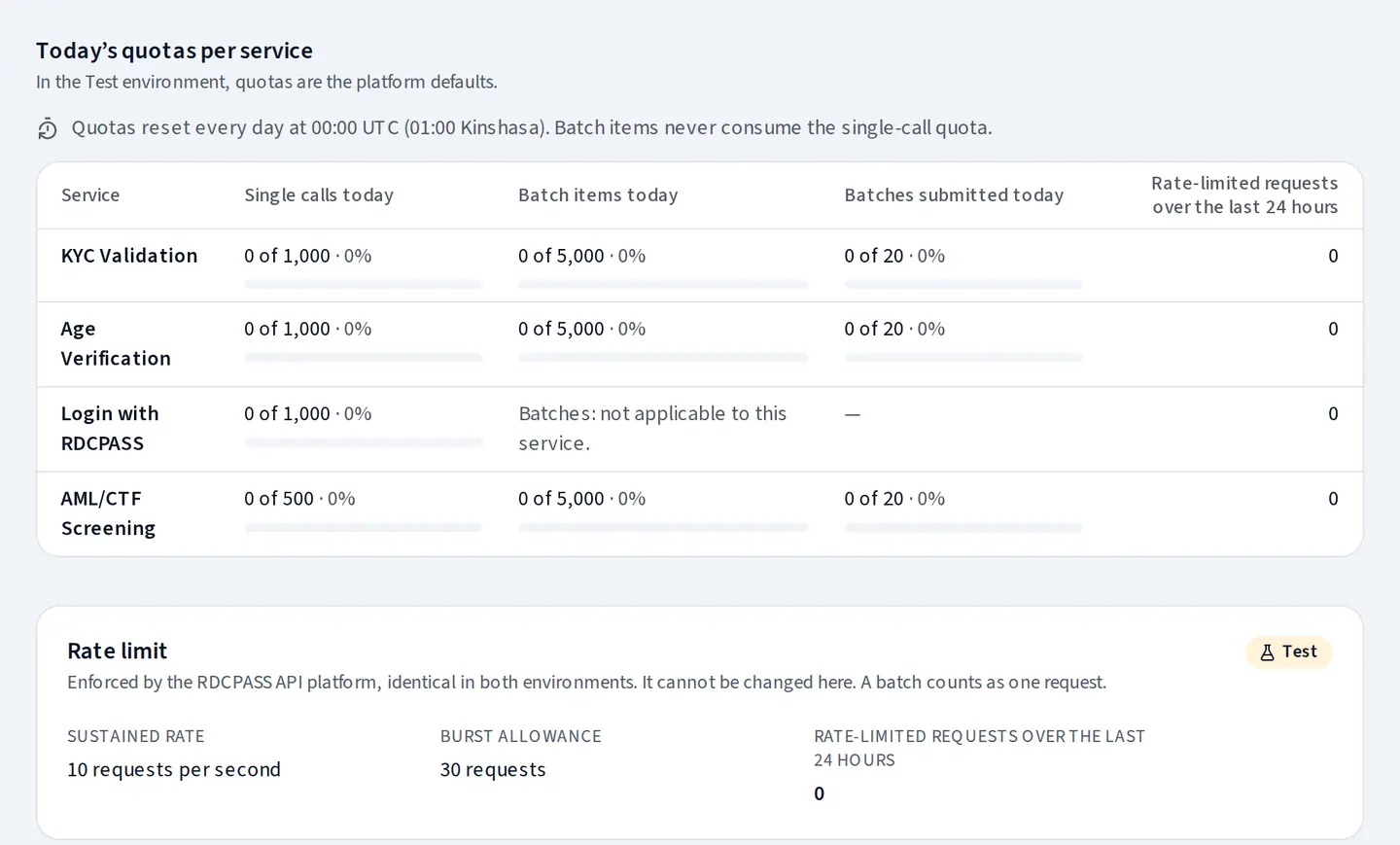
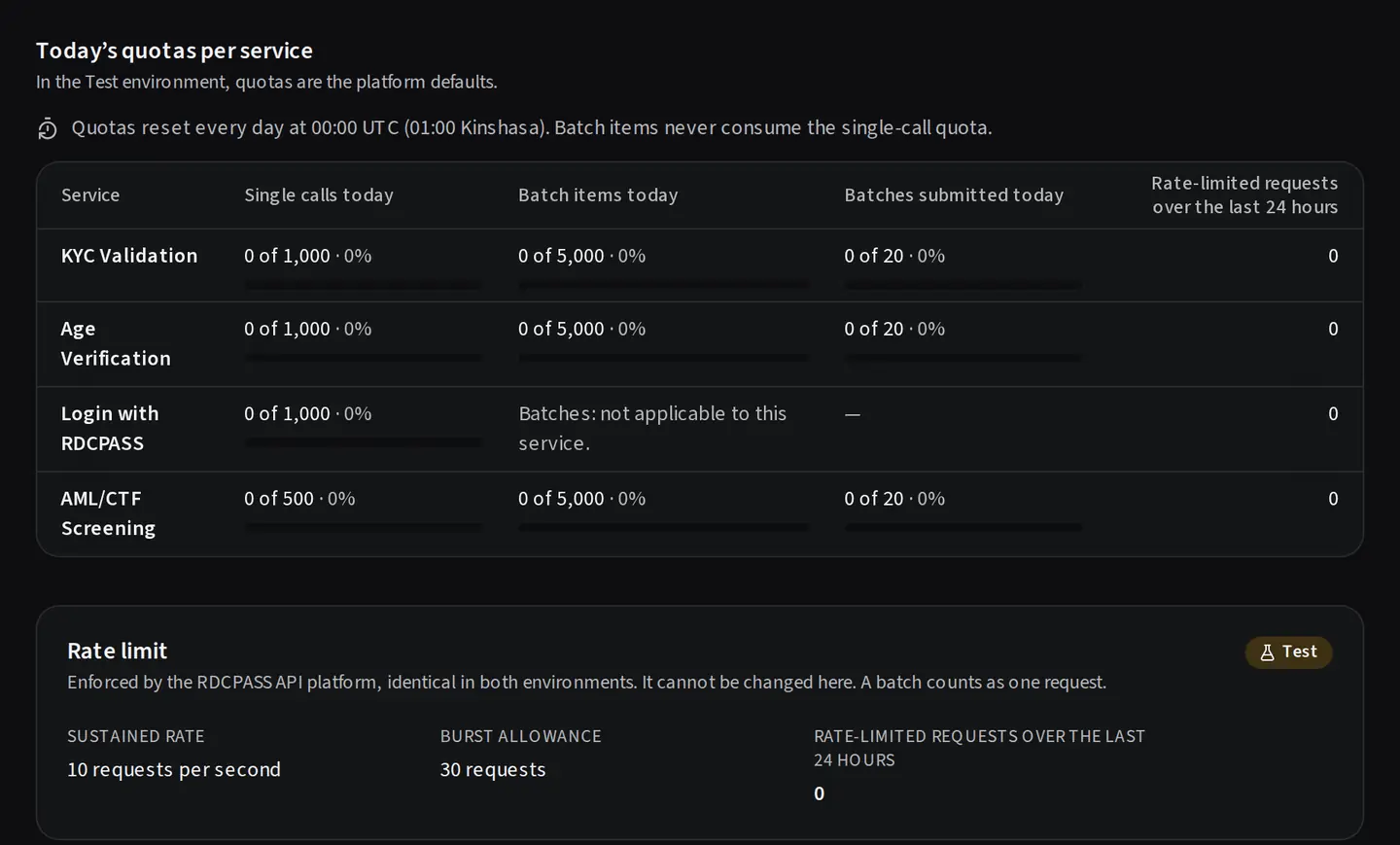
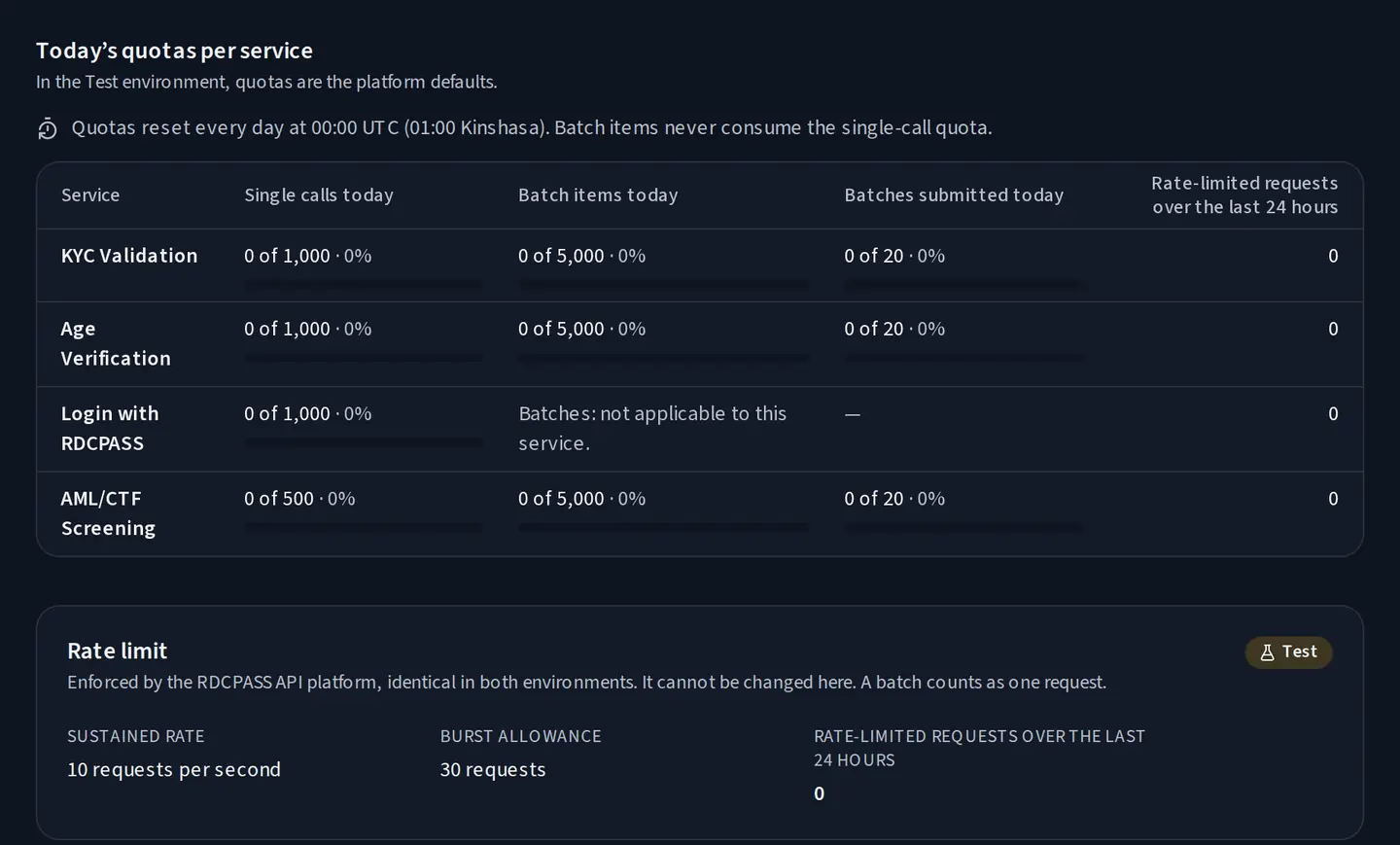
Test quotas reset daily at UTC midnight. Production quotas are set per application and per service when your production access is approved, sized to the volumes declared in your due-diligence dossier; an Owner or Administrator can request an increase from the console, answered within 3 business days. Current usage per service is visible on the application’s usage page.
Exceeding a quota returns 429 with "error": "quota_exceeded", along with service, calls_used, calls_limit, reset_at and an upgrade_url. Waiting a few seconds and retrying won't help — the quota only clears at reset_at.
3. Batch and asynchronous limits
Batches and asynchronous jobs have their own size and retention limits, the same for every service:
| Synchronous batch | 50 items maximum |
|---|---|
| Asynchronous batch | 10,000 items maximum |
| Batch results page | 500 items per page maximum |
| Result retention | 30 days for jobs and batches |
Batches have their own quota, separate from single calls, per service and per application: a daily number of batch items and a daily number of batch submissions. Test-environment values are below; production values are set when production access is approved. Beyond either limit, new batches are rejected with 429 quota_exceeded until the quota resets at 00:00 UTC — single calls are not affected.
| Batch items | 5,000 items / day per service · test |
|---|---|
| Batch submissions | 20 batches / day per service · test |
A synchronous batch over 50 items is refused with 413 — resend it with Prefer: respond-async. Page through GET /v1/batches/{batch_id}/results with cursor and limit. After 30 days, job results and batch results are deleted: copy what you need into your own systems, within your own retention policy. See Single, batch & async.
4. Billing limits — 402, not 429
Whether your organization is prepaid or postpaid, running out of funds is not a rate limit. A prepaid organization with an empty wallet receives 402 with insufficient_balance; a postpaid organization over its credit limit receives 402 with credit_limit_reached. Retrying will not help until a Financial officer tops up the wallet or the credit position is resolved. Listen for the billing.balance_low webhook to act before it happens. See Billing.
Exact response shapes
rate_limited, quota_exceeded and insufficient_balance are structurally different JSON bodies. See Errors for each, byte for byte.