



Let citizens sign in with their RDCPASS identity
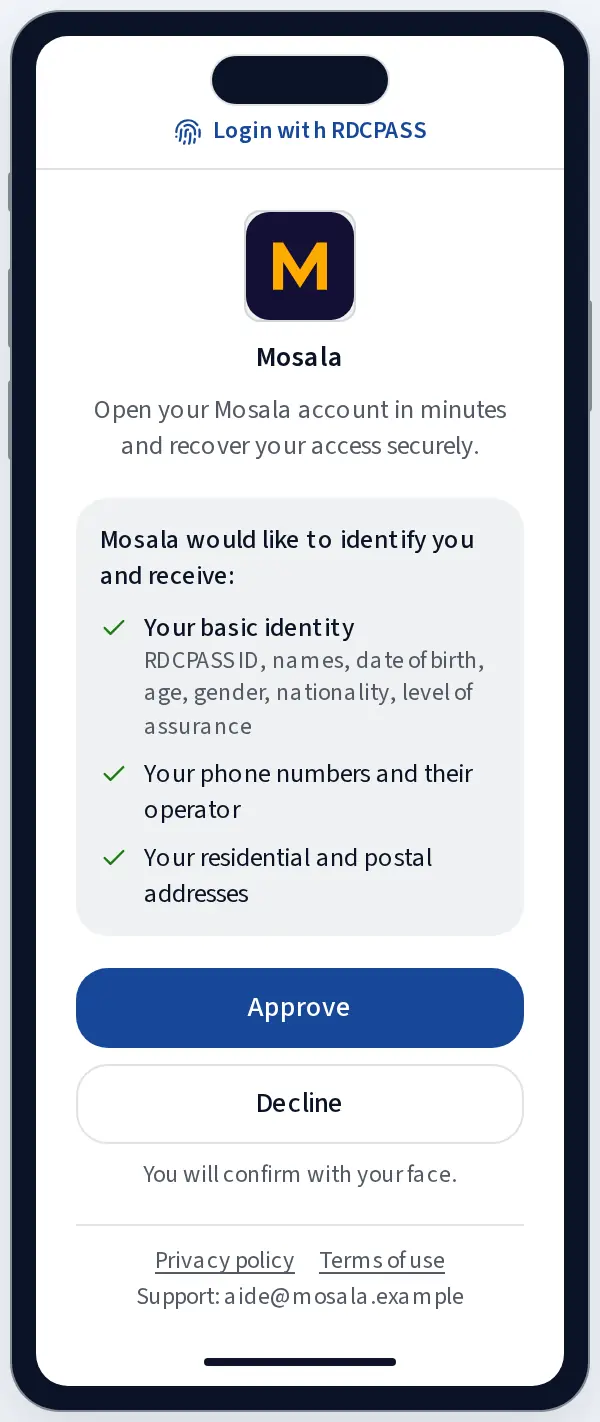
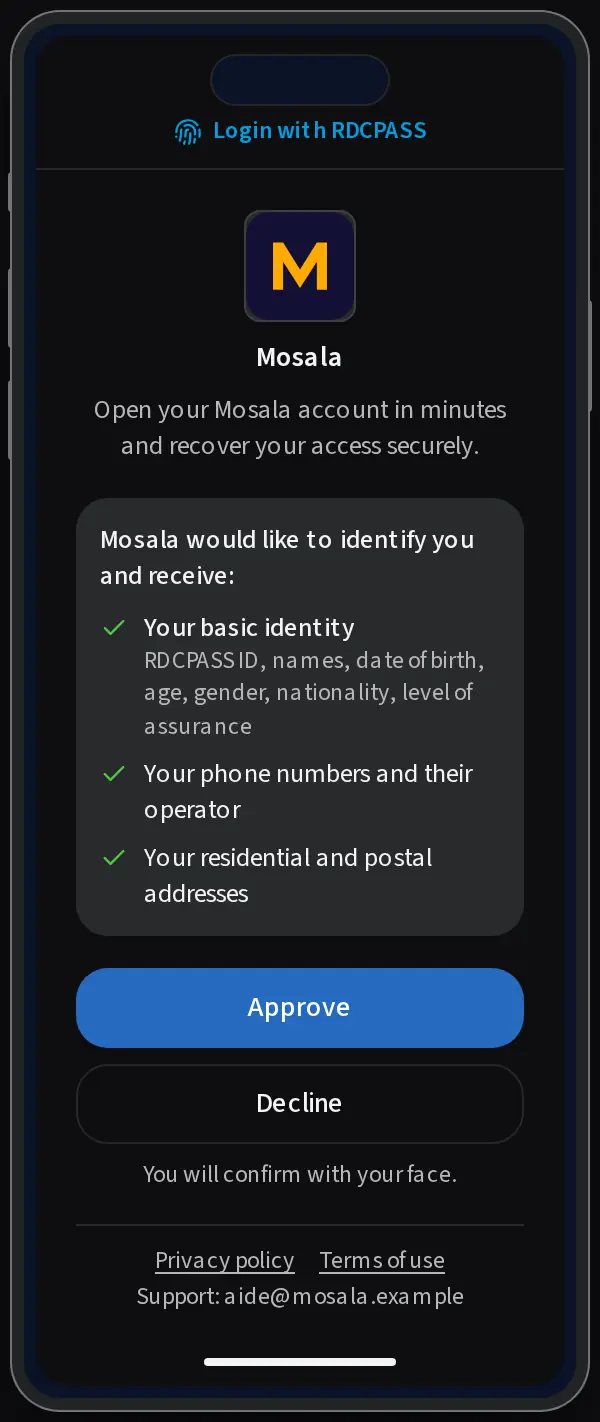
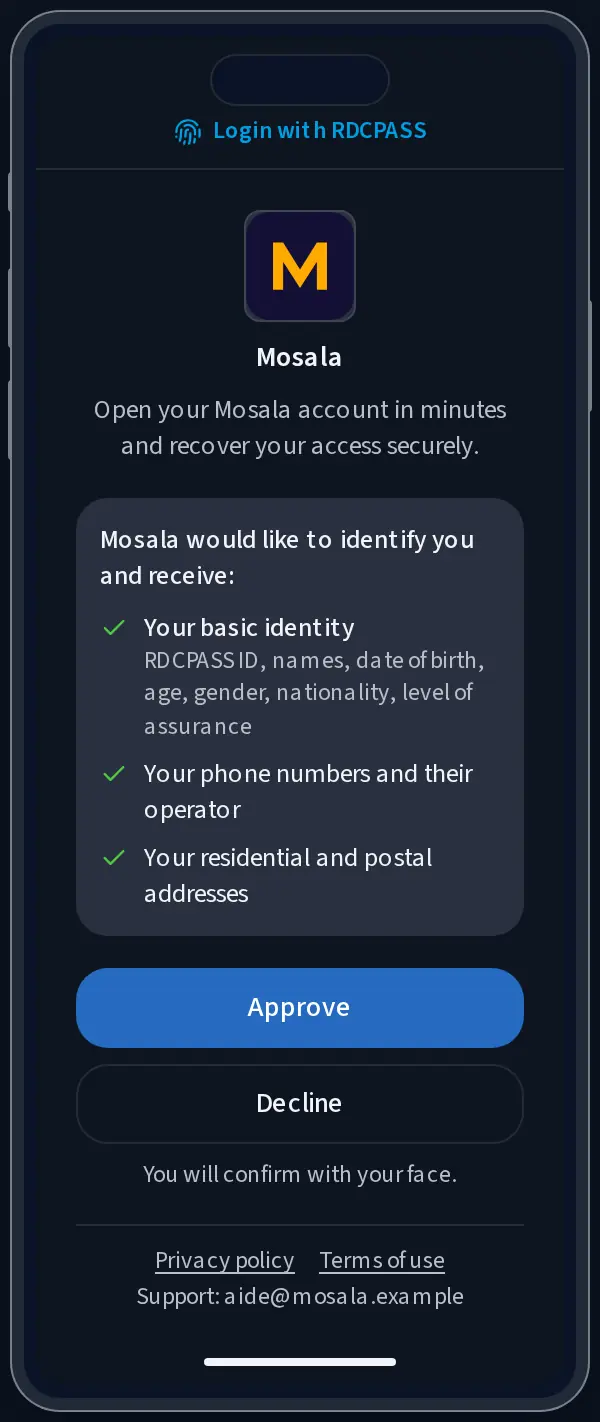
Login with RDCPASS puts one button where your sign-up form and password field used to be. The citizen approves on their own phone with a face match, sees what data you are asking for, and comes back to your application already verified.
Why businesses choose Login with RDCPASS
Sign-up with no forms
New users arrive with a certified identity and the details you asked for. Your team has nothing to check by hand.
No passwords to steal or reset
Each sign-in is confirmed by a face match on the citizen’s own phone. There is no password to phish, reuse or forget.
Consent the citizen can see
Citizens review and approve what you receive before it is sent. That helps with data-protection compliance, and users can see what they agreed to.
How it works
The citizen taps “Login with RDCPASS”
They approve on their phone
They confirm with a face match
They return to your application, signed in
What you receive
When the citizen approves, your application receives signed proof of identity that you can verify:
{ "sub": "cit_7f1e2a9c4b3d8f60", "full_name": "Kabeya Mwamba Tshisekedi", "birthdate": "1988-04-12", "nationality": "COD", "certified": true, "level_of_assurance": "LOA3", "rdcpass:addresses": [ … ], "rdcpass:phone_numbers": [ … ], …}Contract to be confirmed by the API team.
Reference example- A stable identifier for that citizen, unique to your application
- Basic KYC, the core identity details, if you request it
- Each additional data scope the citizen approved, such as addresses or phone numbers
- The certification status and level of assurance of the RDCPASS account
- The same “access denied” outcome whenever sign-in does not complete
One integration for test and production
cURL
curl https://api.rdcpass.cd/v1/oidc/token \
  -X POST \
  --cert your-app-client-cert.pem \
  --key your-app-client-key.pem \
  -H "Content-Type: application/x-www-form-urlencoded" \
  -d "grant_type=authorization_code" \
  -d "code=auth_9f2ac3d0e1b74a2f9c7d5b3a1e6f8c0d" \
  -d "redirect_uri=https://yourapp.example.com/callback" \
  -d "client_id=app_8f2a1c0e9b" \
  -d "code_verifier=dBjftJeZ4CVP-mB92K27uhbUJU1p1r_wW1gFWFOEjXk"
Node.js
import https from 'node:https'
import fs from 'node:fs'

const agent = new https.Agent({
  cert: fs.readFileSync('your-app-client-cert.pem'),
  key: fs.readFileSync('your-app-client-key.pem'),
})

const params = new URLSearchParams({
  grant_type: 'authorization_code',
  code: 'auth_9f2ac3d0e1b74a2f9c7d5b3a1e6f8c0d',
  redirect_uri: 'https://yourapp.example.com/callback',
  client_id: 'app_8f2a1c0e9b',
  code_verifier: 'dBjftJeZ4CVP-mB92K27uhbUJU1p1r_wW1gFWFOEjXk',
})

const res = await fetch('https://api.rdcpass.cd/v1/oidc/token', {
  method: 'POST',
  headers: { 'Content-Type': 'application/x-www-form-urlencoded' },
  body: params,
  agent,
})

const tokens = await res.json()
console.log(tokens.id_token)
Python
import requests

response = requests.post(
    "https://api.rdcpass.cd/v1/oidc/token",
    cert=("your-app-client-cert.pem", "your-app-client-key.pem"),
    data={
        "grant_type": "authorization_code",
        "code": "auth_9f2ac3d0e1b74a2f9c7d5b3a1e6f8c0d",
        "redirect_uri": "https://yourapp.example.com/callback",
        "client_id": "app_8f2a1c0e9b",
        "code_verifier": "dBjftJeZ4CVP-mB92K27uhbUJU1p1r_wW1gFWFOEjXk",
    },
)

tokens = response.json()
print(tokens["id_token"])
Go
package main

import (
	"crypto/tls"
	"encoding/json"
	"fmt"
	"net/http"
	"net/url"
	"strings"
)

func main() {
	cert, _ := tls.LoadX509KeyPair("your-app-client-cert.pem", "your-app-client-key.pem")
	client := &http.Client{
		Transport: &http.Transport{
			TLSClientConfig: &tls.Config{Certificates: []tls.Certificate{cert}},
		},
	}

	form := url.Values{}
	form.Set("grant_type", "authorization_code")
	form.Set("code", "auth_9f2ac3d0e1b74a2f9c7d5b3a1e6f8c0d")
	form.Set("redirect_uri", "https://yourapp.example.com/callback")
	form.Set("client_id", "app_8f2a1c0e9b")
	form.Set("code_verifier", "dBjftJeZ4CVP-mB92K27uhbUJU1p1r_wW1gFWFOEjXk")

	resp, err := client.Post(
		"https://api.rdcpass.cd/v1/oidc/token",
		"application/x-www-form-urlencoded",
		strings.NewReader(form.Encode()),
	)
	if err != nil {
		panic(err)
	}
	defer resp.Body.Close()

	var tokens struct {
		IDToken string `json:"id_token"`
	}
	json.NewDecoder(resp.Body).Decode(&tokens)
	fmt.Println(tokens.IDToken)
}
Java
import java.net.URI;
import java.net.http.*;
import java.net.http.HttpRequest.BodyPublishers;
import javax.net.ssl.SSLContext;

// SSLContext configured with your application's client certificate —
// see your HTTP client's mTLS setup docs; omitted here for brevity.
SSLContext sslContext = loadClientCertificateContext(
    "your-app-client-cert.pem", "your-app-client-key.pem");

var client = HttpClient.newBuilder().sslContext(sslContext).build();

var form = "grant_type=authorization_code"
    + "&code=auth_9f2ac3d0e1b74a2f9c7d5b3a1e6f8c0d"
    + "&redirect_uri=https://yourapp.example.com/callback"
    + "&client_id=app_8f2a1c0e9b"
    + "&code_verifier=dBjftJeZ4CVP-mB92K27uhbUJU1p1r_wW1gFWFOEjXk";

var request = HttpRequest.newBuilder()
    .uri(URI.create("https://api.rdcpass.cd/v1/oidc/token"))
    .header("Content-Type", "application/x-www-form-urlencoded")
    .POST(BodyPublishers.ofString(form))
    .build();

var response = client.send(request, HttpResponse.BodyHandlers.ofString());
System.out.println(response.body());
Rust
use std::fs;
#[tokio::main]
async fn main() -> Result<(), reqwest::Error> {
let cert = fs::read("your-app-client-cert.pem").unwrap();
let key = fs::read("your-app-client-key.pem").unwrap();
let identity = reqwest::Identity::from_pem(&[cert, key].concat()).unwrap();
let client = reqwest::Client::builder()
.identity(identity)
.build()?;
let params = [
("grant_type", "authorization_code"),
("code", "auth_9f2ac3d0e1b74a2f9c7d5b3a1e6f8c0d"),
("redirect_uri", "https://yourapp.example.com/callback"),
("client_id", "app_8f2a1c0e9b"),
("code_verifier", "dBjftJeZ4CVP-mB92K27uhbUJU1p1r_wW1gFWFOEjXk"),
];
let response = client
.post("https://api.rdcpass.cd/v1/oidc/token")
.form(¶ms)
.send()
.await?;
let tokens: serde_json::Value = response.json().await?;
println!("{}", tokens["id_token"]);
Ok(())
}PHP
<?php

$body = http_build_query([
    'grant_type' => 'authorization_code',
    'code' => 'auth_9f2ac3d0e1b74a2f9c7d5b3a1e6f8c0d',
    'redirect_uri' => 'https://yourapp.example.com/callback',
    'client_id' => 'app_8f2a1c0e9b',
    'code_verifier' => 'dBjftJeZ4CVP-mB92K27uhbUJU1p1r_wW1gFWFOEjXk',
]);

$ch = curl_init('https://api.rdcpass.cd/v1/oidc/token');
curl_setopt_array($ch, [
    CURLOPT_POST => true,
    CURLOPT_POSTFIELDS => $body,
    CURLOPT_SSLCERT => 'your-app-client-cert.pem',
    CURLOPT_SSLKEY => 'your-app-client-key.pem',
    CURLOPT_RETURNTRANSFER => true,
]);

$response = curl_exec($ch);
curl_close($ch);

$tokens = json_decode($response, true);
echo $tokens['id_token'];
C#
using System.Net.Http;
using System.Security.Cryptography.X509Certificates;
using System.Text.Json;

var clientCert = X509Certificate2.CreateFromPemFile(
    "your-app-client-cert.pem", "your-app-client-key.pem");

var handler = new HttpClientHandler();
handler.ClientCertificates.Add(clientCert);
var client = new HttpClient(handler);

var form = new FormUrlEncodedContent(new Dictionary<string, string>
{
    ["grant_type"] = "authorization_code",
    ["code"] = "auth_9f2ac3d0e1b74a2f9c7d5b3a1e6f8c0d",
    ["redirect_uri"] = "https://yourapp.example.com/callback",
    ["client_id"] = "app_8f2a1c0e9b",
    ["code_verifier"] = "dBjftJeZ4CVP-mB92K27uhbUJU1p1r_wW1gFWFOEjXk",
});

var response = await client.PostAsync("https://api.rdcpass.cd/v1/oidc/token", form);
var tokens = await response.Content.ReadFromJsonAsync<JsonElement>();
Console.WriteLine(tokens.GetProperty("id_token").GetString());
Contract to be confirmed by the API team.
Trust & privacy
Citizens authenticate only on the RDCPASS page. Your application never sees their document number or biometrics.
No data is released until the citizen has seen and approved every scope in the request.
- mTLS
- HMAC-SHA256
- AES-256-GCM
- Audit log
Where it’s used
- Government & public services
Give citizens a single way to sign in to online public services and portals.
- Fintech & mobile money
Onboard wallet and app users with a verified identity from their first tap.
- Education
Students and applicants sign in to enrolment and exam platforms with their own identity.
- Social media & international digital companies
Offer verified accounts and cut down on fake profiles from sign-up onward.