



On this page
Applications
Everything you build on RDCPASS lives inside an organization — your company, as a tenant of the platform. The organization holds your team, your commercial subscriptions and your billing. Inside it you create applications: one per product or integration, each with its own services, scopes, purposes, keys, webhooks and audit log.
Organizations and applications
- Organization
Your legal entity. Holds members and roles, scope subscriptions, the billing plan and the business due-diligence dossier. One organization, many applications.
- Application
One integration — a mobile banking app, a merchant back office, a SIM-registration system. Holds enabled services, selected scopes, declared purposes, webhook URL, IP allowlist and quotas.
- Keys
Credentials belong to an application and an environment — never to a person. Test keys are issued instantly; production keys once the application is approved.
Keeping applications separate is data minimization in practice: a loyalty programme that only needs age gating never holds the scopes your account-opening flow requires, and a key leaked from one application cannot reach another application’s data or purposes.
| Belongs to the organization | Belongs to each application |
|---|---|
| Members and their roles | Enabled services |
| Scope subscriptions (what you may use) | Selected scopes (what this application uses) |
| Billing plan, wallet, invoices | Declared purposes |
| Business due-diligence dossier | Application due-diligence dossier and production status |
| Organization-wide audit trail | Keys, webhook URL, IP allowlist, quotas, request logs and audit log |
Creating an application
Owners, Administrators and Developers can create applications in the console at console.rdcpass.cd. The wizard takes a few minutes:
Name and description
Choose a name your team recognizes (for example “Mobile Wallet — Onboarding”) and describe what the application does. If the application uses Login with RDCPASS, the name is shown to citizens on the consent screen, so use your public product name.Environment
Every application starts in test, with synthetic test identities and free usage. The same application is promoted to production after due diligence — you do not recreate it.Services
Enable only the services this application calls: KYC Validation, Face Recognition, Age Verification, KYB Verification, AML/CTF Screening, Credit Scoring, Fraud Reporting, Login with RDCPASS. Calling a service that is not enabled is refused.Scopes
Select the additional KYC and KYB scopes this application needs, from the scopes your organization subscribes to. Basic KYC is always included. Scopes in the Sensitive and Biometric tiers are flagged, because they trigger enhanced due diligence before production.Purposes
Declare why you process identity data — for examplecustomer_onboardingandaccount_recovery. Every request must carry one of these purposes; any other value returns403 purpose_not_declared.Webhook URL
An HTTPS endpoint that receives events for this application: asynchronous results, batch completion, fraud-report status changes and production status changes. You can add it later.IP allowlist
The public IP addresses or CIDR ranges your servers call from. Optional in test, required in production. Requests from any other address are rejected.Create and copy your test keys
The console issues test credentials immediately. The signing secret and encryption key are shown once — store them in your secrets manager before closing the dialog.
Application settings reference
| Setting | Required | Change in production |
|---|---|---|
| Name, description | Yes | Immediate; shown on the consent screen for Login with RDCPASS. |
| Services | At least one | Enabling a service is re-reviewed; disabling is immediate. |
| Scopes | No (Basic KYC is implicit) | Adding a scope is re-reviewed; removing is immediate. |
| Purposes | At least one | Adding a purpose is re-reviewed; removing is immediate. |
| Webhook URL | No | Immediate; audited. |
| IP allowlist | Production only | Immediate; audited. |
| Logo and consent-screen texts | Login with RDCPASS only | Immediate; audited. |
Keys per environment
Test and production are separate systems, and an application holds a separate set of credentials for each. A test key never works in production, and the reverse.
| Credential | Test | Production |
|---|---|---|
Key ID (X-RDCPASS-Key-Id) | Issued at creation, prefixed key_test_ | Issued after approval, prefixed key_live_ |
| Signing secret (HMAC signing) | Shown once at creation | Shown once at issuance |
| Encryption key (AES-256-GCM) | Shown once at creation | Shown once at issuance |
| mTLS client certificate | Issued from your CSR as soon as the application exists | Issued from your CSR after approval — a different authority signs each environment |
| Who can issue | Owner, Administrator, Developer | Owner, Administrator |
Each environment can hold two active key sets at once so you can rotate without downtime: issue a new set, deploy it, confirm traffic has moved in the request logs, then revoke the old one. Revocation is immediate. The exact use of each credential is described in Authentication.
Keys belong to the application, not to a person
Editing scopes and purposes
Scopes are chosen per application, from the organization’s subscriptions — see KYC scopes & subscriptions for the full catalogue and the three-layer subscription model.
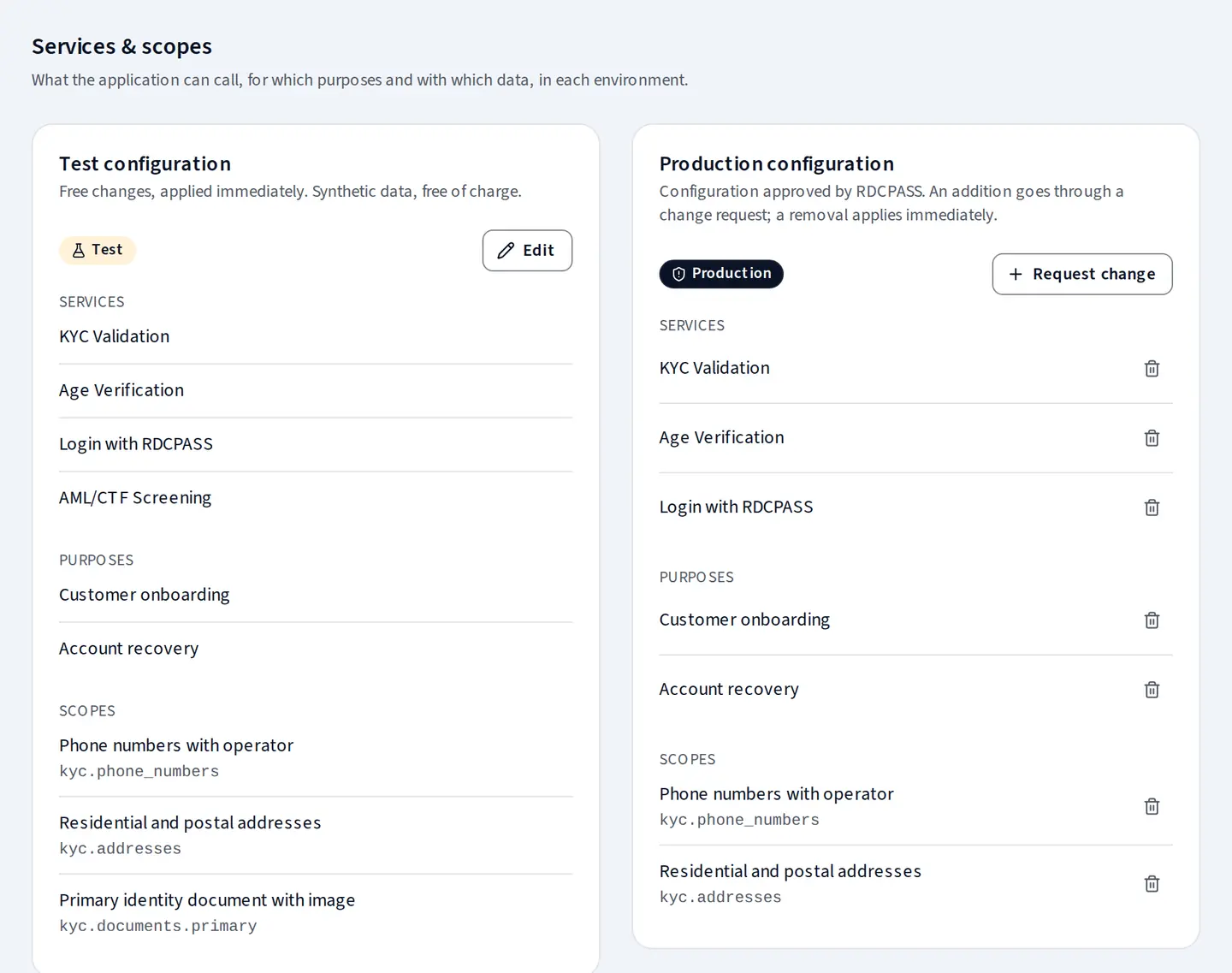
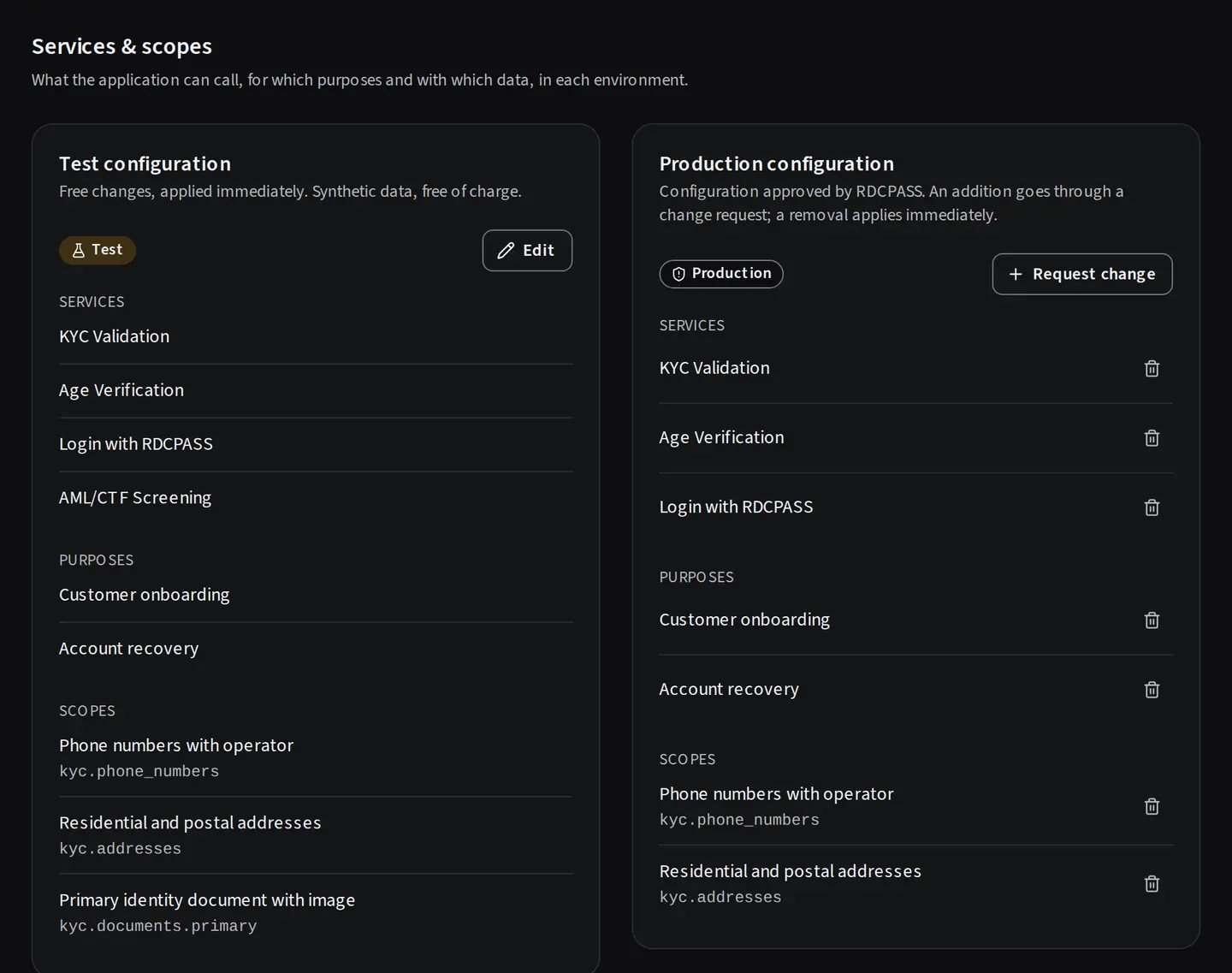
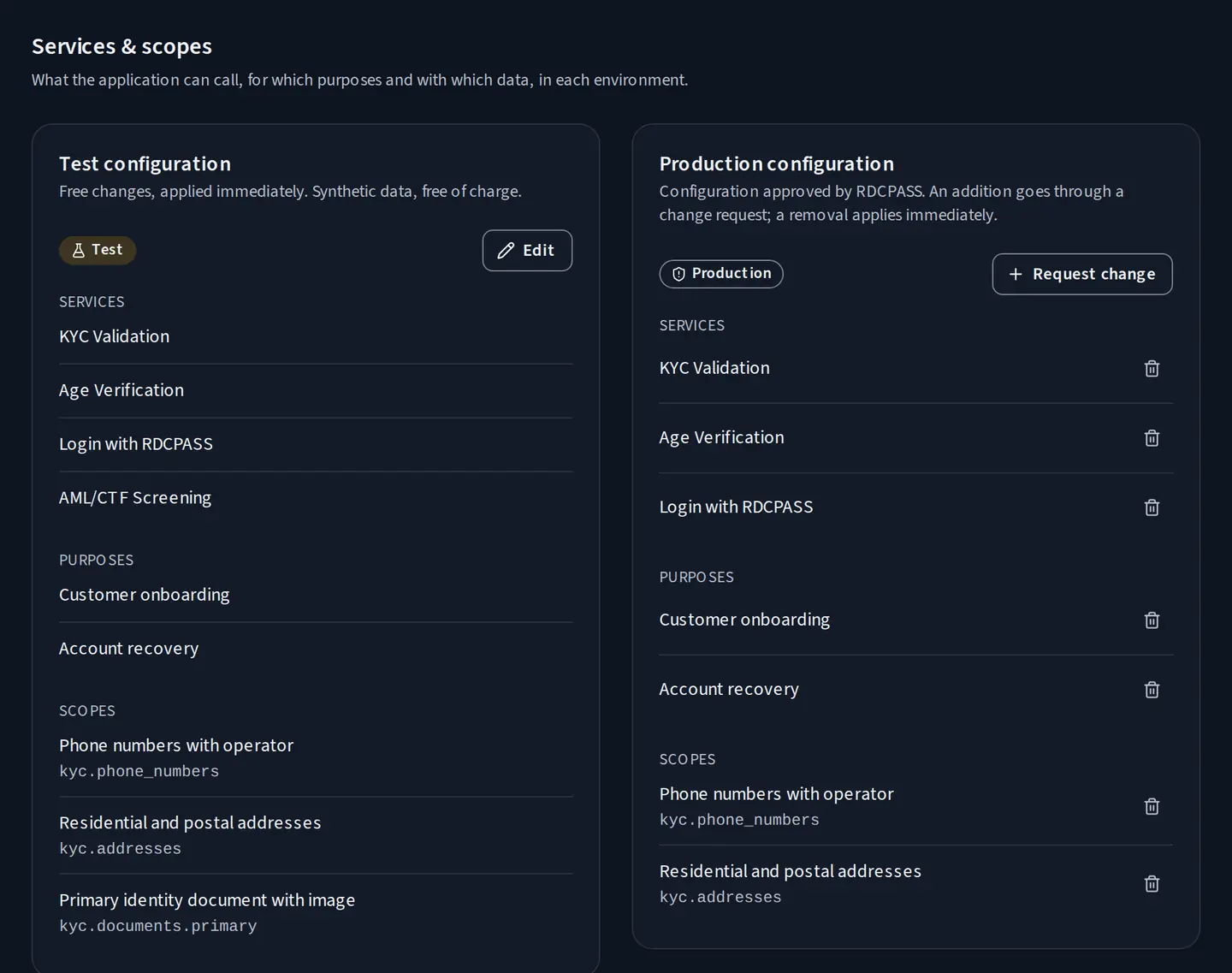
- Test applications: changes apply immediately.
- Production applications: adding a scope, a purpose or a service creates a change request. A Compliance officer or Administrator submits a justification per scope; RDCPASS reviews it within the standard timeline. Existing scopes keep working throughout — nothing is interrupted while the request is under review.
- Sensitive or Biometric scopes added to a production application trigger enhanced due diligence (DPIA, legal basis, named data-protection officer).
- Removing a scope, purpose or service takes effect immediately and never needs review.
- If the organization cancels a scope subscription, the scope is removed from every application that selected it, and requests for it return
403 scope_not_allowed.
Application statuses
An application’s production status follows the due-diligence review. Every change is sent to your webhook as application.production_status_changed.
testsubmittedin_review|changes_requestedapproved|rejected
| Status | Meaning | Production keys |
|---|---|---|
test | Building and testing. Test keys only. | No |
submitted | The application dossier has been submitted for production. | No |
in_review | An RDCPASS reviewer is assessing the business and application dossiers. | No |
changes_requested | The reviewer needs more information or changes. Update the dossier and resubmit. | No |
approved | Production access granted. | Yes — issue them in the console |
rejected | Production access refused, with the reasons. You can address them and submit again. | No |
The full review process, checklists and timelines are described in Going to production.
Audit log
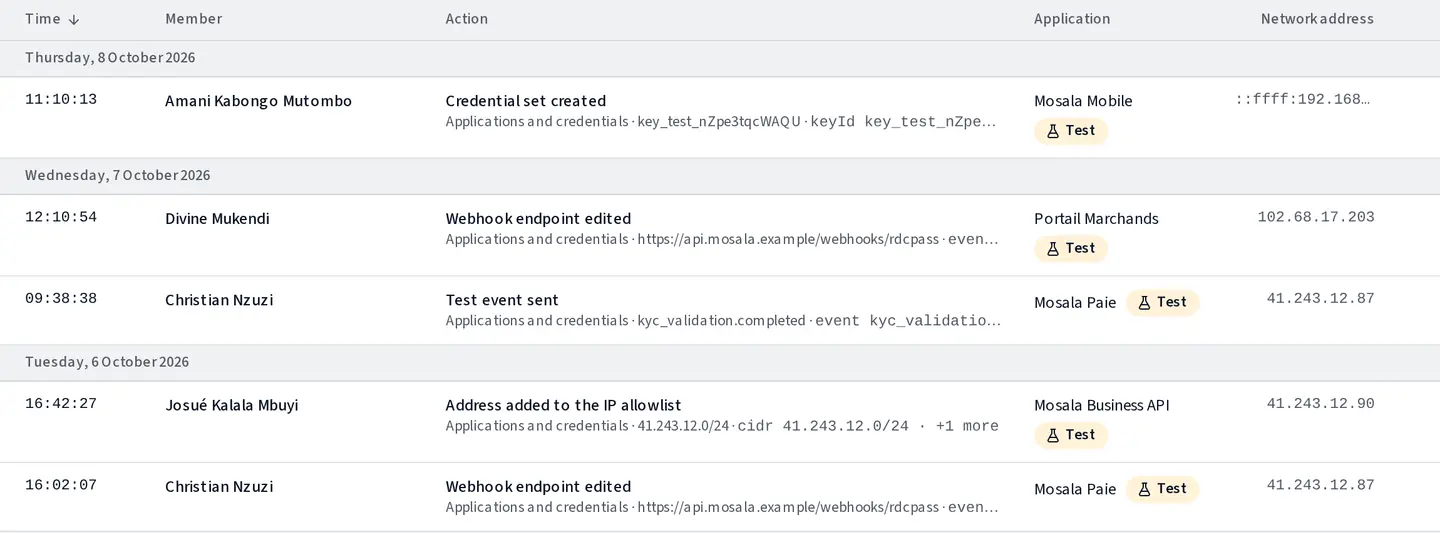
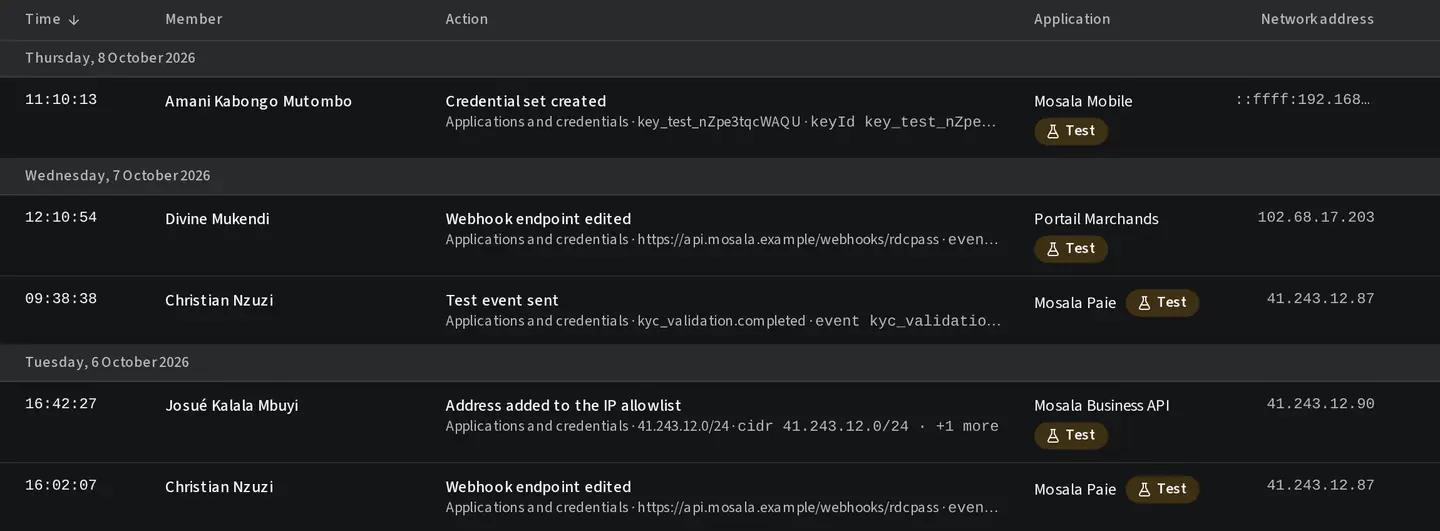
Every change to an application is recorded in its audit log: who made it (by RDCPASS identity and role), when, from which IP address, and the values before and after. Owners, Administrators and Compliance officers can view and export it from the application’s Audit tab, as CSV or PDF. Audit events are retained for five years and cannot be edited or deleted.
| Category | Examples of recorded actions |
|---|---|
| Configuration | Application created, renamed, services enabled or disabled, webhook URL or IP allowlist changed |
| Data access | Scopes and purposes added or removed, change requests submitted, approved or rejected |
| Credentials | Key sets issued, viewed at creation, rotated and revoked; mTLS certificates issued or revoked |
| Production | Dossier submitted, status changes, reviewer comments |
{
  "id": "aud_3e91c7b20f",
  "object": "audit_event",
  "action": "application.scopes_change_requested",
  "application_id": "app_5d20e8a1c4",
  "actor": {
    "rdcpass_id": "COD-1908-0521-7730",
    "full_name": "Mbuyi Ilunga Nsimba",
    "role": "compliance_officer"
  },
  "ip_address": "196.223.14.82",
  "changes": {
    "scopes": {
      "before": ["kyc.basic", "kyc.documents.primary"],
      "after": ["kyc.basic", "kyc.documents.primary", "kyc.addresses"]
    }
  },
  "justification": "Proof of residence required by BCC instruction for tier-2 wallets.",
  "created_at": "2026-09-26T08:42:17Z"
}
Next steps
- KYC scopes & subscriptions
Every scope, its tier and what it returns.
- Teams & roles
Who can create applications, issue keys and change scopes.
- Going to production
The due-diligence dossiers and what happens after approval.
- Quickstart
Create your first test application and make a call.