



On this page
Teams & roles
Your organization is your company’s tenant on RDCPASS. Colleagues join it as members, and each member’s role decides what they can see and change — from creating a test application to issuing production keys or topping up the wallet.
At a glance
- Six roles: Owner, Administrator, Developer, Financial officer, Compliance officer, Marketing.
- Exactly one Owner per organization; ownership can be transferred.
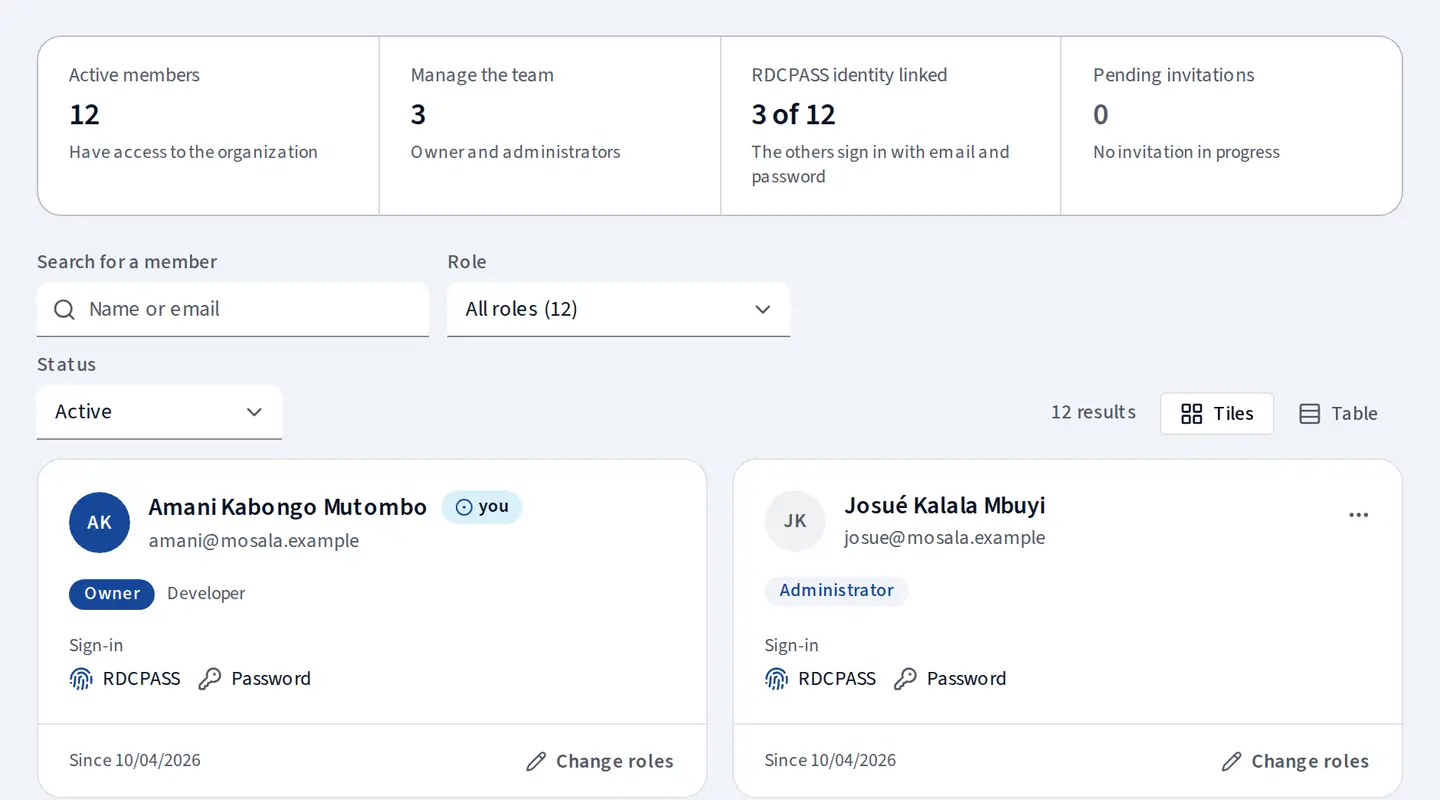
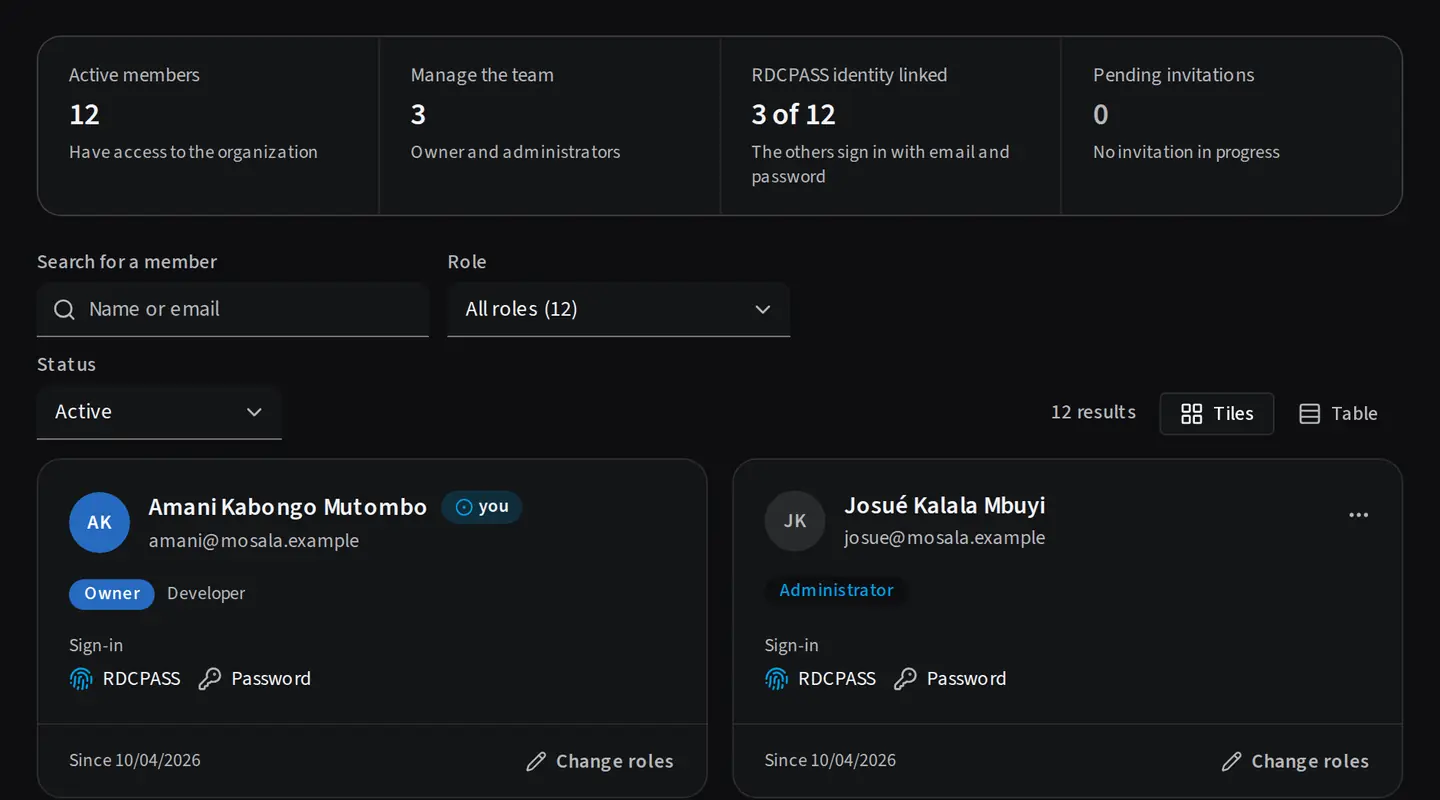
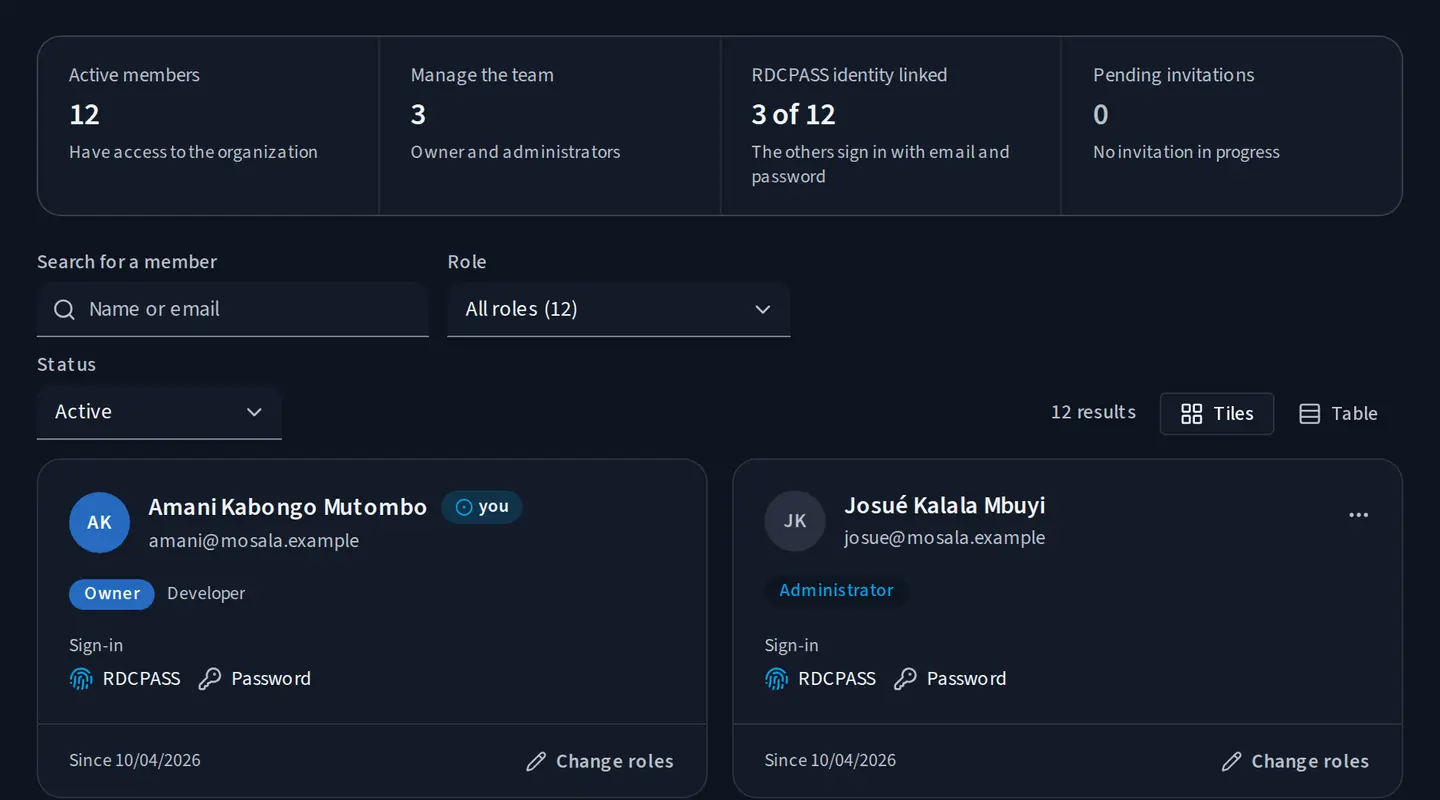
- Members sign in with their own account: a work email with a password and two-factor authentication, or Login with RDCPASS. There are no shared accounts.
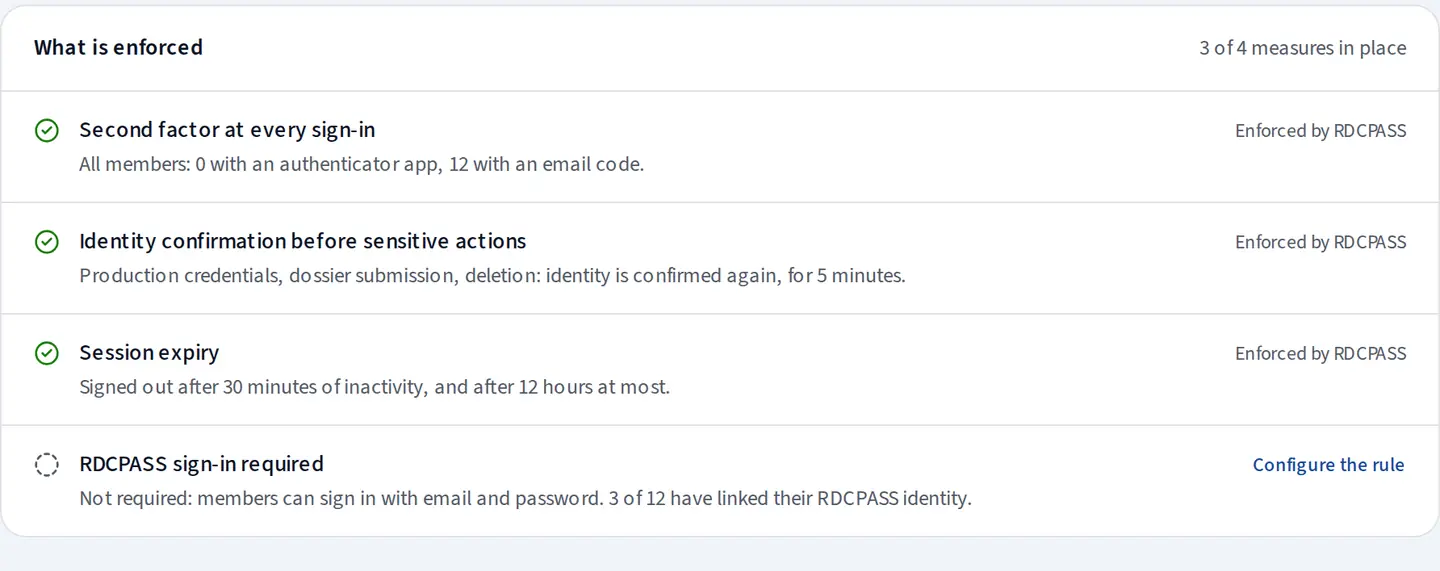
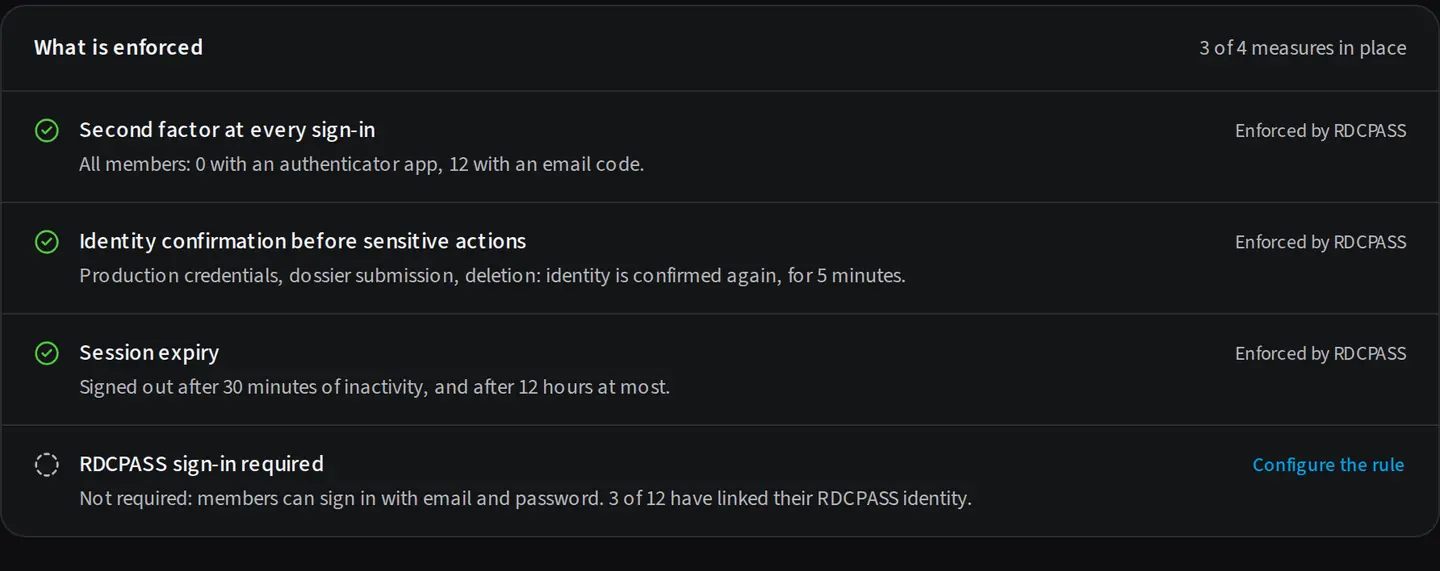
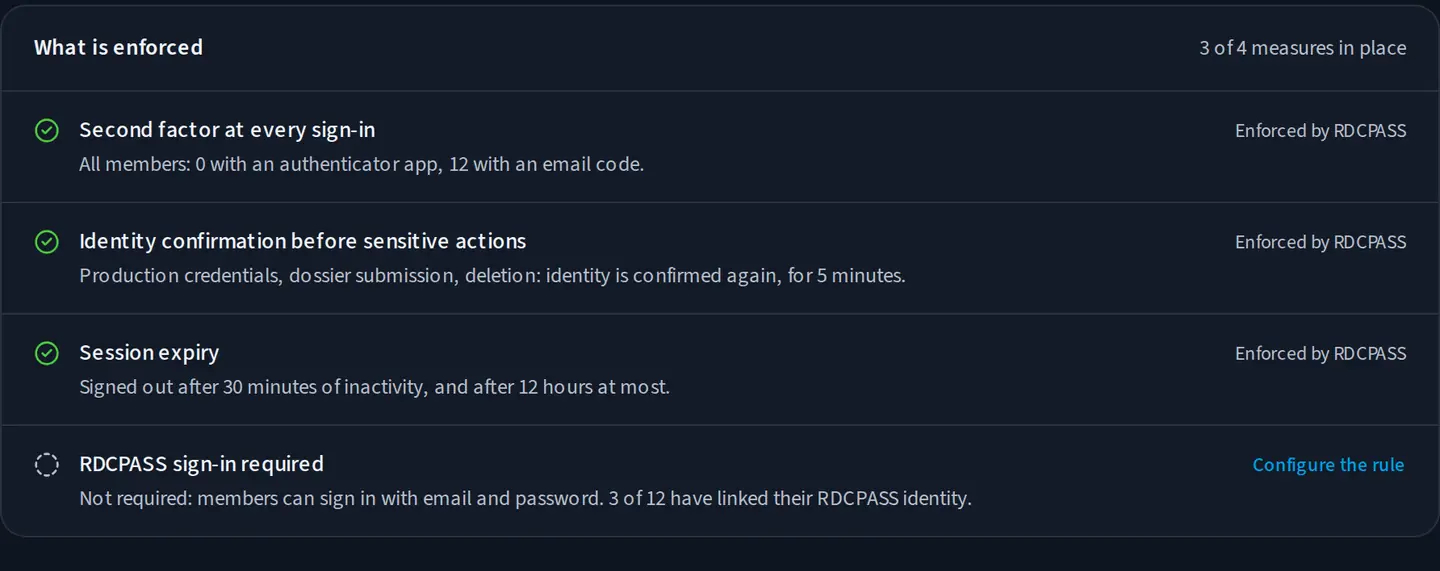
- Multi-factor authentication is mandatory for every member, on every sign-in.
- Every action is recorded in an audit trail attributed to a real, verified person.
Roles
| Role | Responsibilities |
|---|---|
| Owner | Everything, including deleting the organization and transferring ownership. One per organization — usually the legal representative or CTO. |
| Administrator | Manages members, applications, scopes, production requests and keys. |
| Developer | Creates and edits test applications, issues test keys, configures webhooks, reads request logs. Cannot issue production keys or change the scopes of production applications. |
| Financial officer | Billing: prepaid or postpaid plan, wallet top-ups, invoices, usage exports and spending alerts. |
| Compliance officer | The due-diligence dossiers, scope justifications and purposes, audit logs and data-access reviews. |
| Marketing | Read-only usage analytics, the application listing and branding (logo and consent-screen texts for Login with RDCPASS). |
Permission matrix
✓ allowed · “Test” allowed on test applications only · — not allowed.
| Permission | Owner | Admin. | Developer | Financial | Compliance | Marketing |
|---|---|---|---|---|---|---|
| Invite and remove members, change roles | ||||||
| Transfer ownership, delete the organization | ||||||
| Create and edit applications | Test | |||||
| Issue test keys | Test | |||||
| Issue production keys and mTLS certificates | ||||||
| Change scopes and purposes of production applications | ||||||
| Configure webhooks and IP allowlist | Test | |||||
| View request logs | ||||||
| Submit due-diligence dossiers | ||||||
| View usage analytics | ||||||
| Manage billing (plan, top-ups, spending alerts) | ||||||
| View invoices and export usage | ||||||
| Manage app listing and consent-screen branding | ||||||
| View and export the audit log |
A member can hold more than one role; their permissions are the union of those roles. Owners and Administrators can change roles at any time, and changes apply on the member’s next request.
Inviting members
Open Team in the console
An Owner or Administrator opens Settings → Team in the console and selects Invite member.Enter the email and choose roles
Enter the colleague’s work email address and select one or more roles. Invitations expire after 7 days.The colleague accepts
The invitee opens the link and signs in with their own account, or creates one.Membership is active
The new member appears in the team list with their roles, and the invitation, acceptance and roles are recorded in the audit trail.
Sign-in and multi-factor authentication
Two-factor authentication is mandatory: TOTP app or email code, ten recovery codes. Or sign in with Login with RDCPASS: approval on the phone and face. Passwords of at least 12 characters, absent from common password lists. The organization can require Login with RDCPASS for every member. Sessions last 12 hours and close after 30 minutes of inactivity. Sensitive actions ask for your identity again.
No shared or generic accounts
Removing members and transferring ownership
Removing a member revokes their console access immediately. Application keys keep working, because they belong to applications, not people — but rotate any key set the departing member had access to. To transfer ownership, the Owner selects an Administrator as the new Owner; the transfer completes once the new Owner confirms in the RDCPASS app, and the previous Owner becomes an Administrator.
Separation of duties
RDCPASS reviewers look at how duties are split during due diligence. We recommend:
- Keep production keys with a small group Give Administrator only to the people who deploy to production. Most engineers need Developer only.
- Separate billing from engineering Assign billing to a Financial officer who is not an Administrator, so spending and technical access are controlled by different people.
- Give compliance an independent seat Your data-protection officer or compliance lead should hold Compliance officer and review scope justifications and the audit log — ideally without holding Administrator.
- Name at least two Administrators Avoid a single point of failure for key rotation and incident response.
- Review membership every quarter Remove leavers the day they leave and check that each member still needs their roles.
Audit trail
Organization-level actions — invitations, role changes, removals, ownership transfers, billing changes and dossier submissions — are recorded alongside each application’s audit log. Each entry records the member, their role, timestamp, IP address and the values before and after. Owners, Administrators and Compliance officers can export the trail; entries are retained for five years and cannot be edited. See Applications for the audit event format.
Next steps
- Applications
Create applications and manage their keys, scopes and purposes.
- Going to production
What the Compliance officer submits, and what reviewers check.
- Billing
What the Financial officer manages: plans, top-ups and invoices.